What Is Document Automation? A Complete Technical Guide

Document automation streamlines the creation of contracts, forms, and other repeatable documents by using templates, data sources, and rules to deliver fast, accurate, and scalable workflows.

Snehasish Konger profile image

Snehasish Konger

Founder & CEO

Technical Guide

Light bulb

Think about the last time you filled out a form at a doctor's office. You probably wrote your name, address, phone number, and insurance details by hand. Now imagine that same information automatically appearing on every medical form you need—no repetitive writing, no mistakes from rushed handwriting, no missing fields.

That's document automation in action.

Understanding Document Automation: The Basics

Document automation uses software to create, manage, and distribute documents without manual input. Instead of typing the same information repeatedly into different forms, the software pulls data from various sources and fills everything in automatically.

Here's what makes it different from traditional document creation:

Traditional method: You open a blank invoice template. You manually type the customer's name, address, and purchase details. You calculate the total by hand. You format everything to look professional. You save it, then email it.

Automated method: The software connects to your sales system, pulls all customer and purchase data, generates a formatted invoice in seconds, and sends it directly to the customer.

The difference? What took 20 minutes now takes 30 seconds.

How Document Automation Actually Works

The process breaks down into four straightforward steps:

1. Template Creation

Someone creates a master template with placeholders. Think of it like a Mad Libs game—certain spots are marked as blanks that will be filled in later. An invoice template might have blanks for customer name, product purchased, quantity, and price.

2. Data Collection

The software connects to your existing systems—customer databases, sales platforms, inventory management tools. It pulls the information you need from these sources. No manual copying and pasting required.

3. Automatic Generation

When you need a document, the software grabs the relevant data and fills in all the blanks. It applies the correct formatting, calculates any necessary totals, and creates a complete, professional document.

4. Distribution

The finished document gets routed to the right person or system automatically. It might go directly to a customer, to your accounting software, or to a manager for approval.

The entire process happens in seconds rather than minutes or hours.

Why Does This Matter?

You might wonder why anyone should care about faster document creation. After all, we've been creating documents manually for decades. However, the benefits extend far beyond just speed.

Time Savings That Actually Matter

SC Home Buyers, a real estate company, reduced documentation time from 12-24 hours to just 2-4 minutes after implementing automation. That's not a minor improvement—it's transformative.

Consider what happens when your team stops spending hours on paperwork. They can focus on activities that actually grow your business: building customer relationships, solving complex problems, developing new strategies.

Accuracy That Protects Your Business

Manual data entry creates opportunities for errors. A typo in a contract dollar amount? That could cost thousands. A wrong address on shipping documents? Your product goes to the wrong location.

Automated systems pull data directly from your authoritative sources. If the customer's address is correct in your database, it will be correct in every document. No transcription errors, no copy-paste mistakes, no forgotten fields.

Consistency Across Your Organization

Every document your company produces represents your brand. Inconsistent formatting, outdated logos, or varying legal language creates confusion and undermines professionalism.

Automation ensures every document follows your current standards. When you update your company logo or legal disclaimer, it automatically appears in all future documents. No hunting down old templates or wondering if someone is using an outdated version.

Scalability for Growth

Document automation saves up to 30 days annually per employee, according to research. As your business grows, document volume typically increases proportionally. With manual processes, that means hiring more staff just to handle paperwork.

Automation scales effortlessly. The system handles 100 invoices per month just as easily as 1,000. You grow without drowning in administrative work.

Real-World Applications You'll Recognize

Document automation isn't limited to tech companies or large enterprises. Businesses across every industry use it for everyday tasks.

In Healthcare

Medical practices generate patient intake forms, insurance claims, prescription records, and billing statements. At the University of Kansas Health System, physicians spent more than 2 hours outside of work on documentation before implementing an AI-based transcription solution that reduced this time to minutes.

Doctors now spend more time with patients instead of filling out forms.

In Real Estate

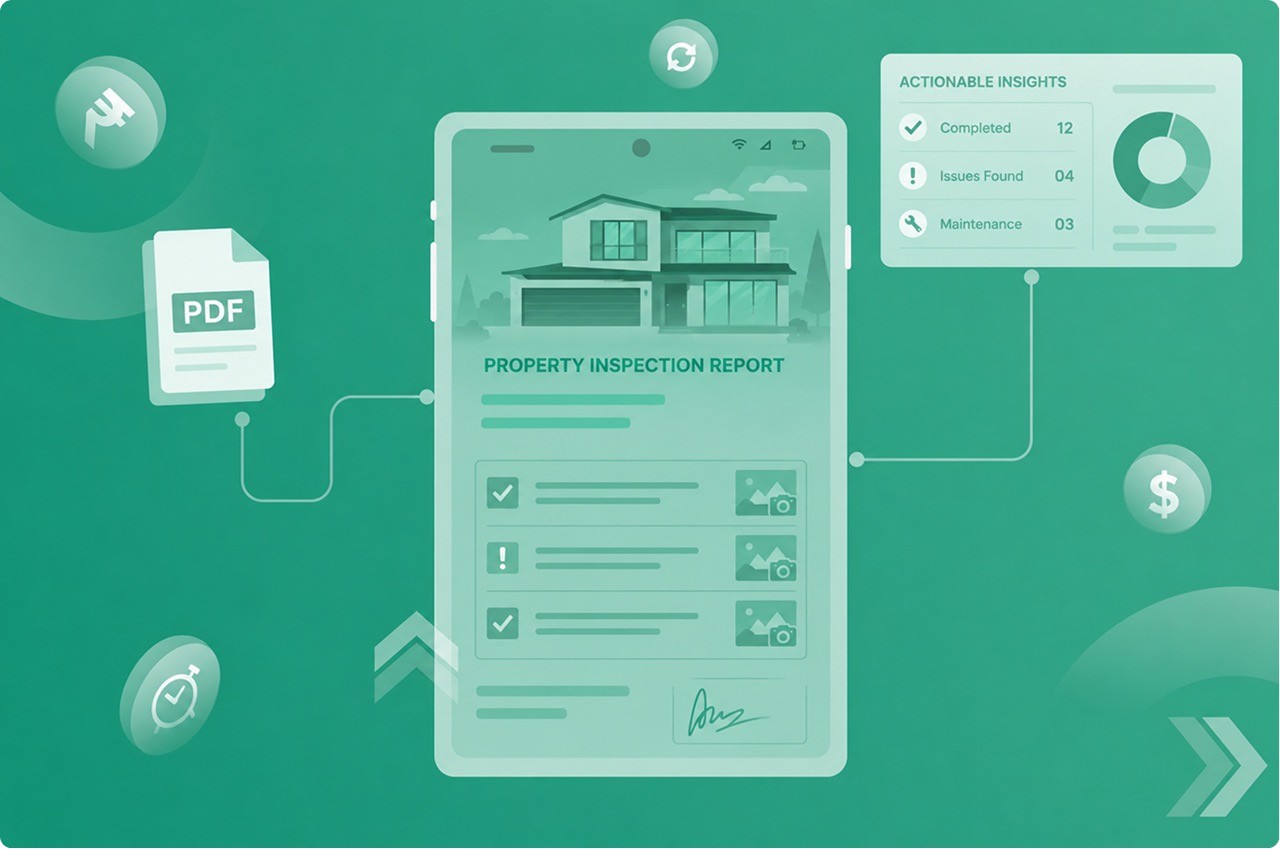
Real estate agents deal with purchase agreements, lease contracts, disclosure forms, and mortgage documents. Each transaction involves dozens of documents with overlapping information.

Automation pulls property details, buyer information, and transaction terms from a central system, generating all required documents in minutes. Agents close deals faster and reduce the risk of errors that could delay closings.

Law firms create contracts, non-disclosure agreements, court filings, and client correspondence. Much of this work follows standard templates with client-specific details.

A global industrial real estate leader managing approximately 3,300 facilities generates thousands of leases annually, with 80 percent requiring attorney attention—a manual approach that created long turnaround times and compliance risks. After implementing automation, they generated compliant, error-free leases efficiently.

In Sales and Marketing

Sales teams create proposals, quotes, contracts, and presentations for every potential customer. One consultancy reduced proposal creation time by 92 percent, leading to a 14 percent increase in win rates.

Faster proposal generation means responding to opportunities before competitors do.

In Human Resources

HR departments handle offer letters, employment contracts, performance reviews, onboarding documents, and benefits enrollment forms. Each new hire requires multiple documents with the same employee information repeated across forms.

Automation pulls employee data once and populates all necessary documents. New hires complete their paperwork faster, and HR teams avoid the tedious work of copying information between systems.

Common Concerns and Misconceptions

When people first learn about document automation, several questions typically arise.

"Isn't This Just For Large Companies?"

No. Small businesses often benefit more dramatically than large enterprises. A five-person accounting firm can eliminate hours of weekly paperwork. A solo real estate agent can handle more clients without hiring an assistant.

The technology has become accessible and affordable for businesses of all sizes.

"Will This Replace Jobs?"

Document automation eliminates tedious tasks, not positions. It shifts employee time from repetitive data entry to higher-value activities. Your staff spends less time on paperwork and more time on work that requires human judgment, creativity, and relationship-building.

"Is It Difficult to Set Up?"

Initial setup requires some time investment—creating templates, connecting to your data sources, and defining workflows. However, modern automation tools are designed for business users, not programmers.

Many platforms offer pre-built templates for common document types. You customize them for your needs rather than building everything from scratch.

"What If Our Documents Are Too Complex?"

Document automation handles both simple and complex documents. Simple invoices with basic fields? Easy. Multi-page contracts with conditional clauses that change based on customer type and jurisdiction? Also manageable.

The technology can incorporate decision logic: if the customer is in California, include specific legal language; if the order exceeds a certain amount, add particular terms.

Getting Started: What You Need to Know

If you're considering document automation, a few key factors will determine your success.

Identify Your Best Opportunities

Start by looking for documents you create frequently with similar structures. Monthly reports, customer contracts, invoices, and employee forms are prime candidates. These documents follow predictable patterns—perfect for automation.

Ask yourself: Do we create this document more than once per month? Does it contain information that already exists in our systems? If yes to both, it's likely a strong candidate.

Understand Your Data Sources

Automation works by pulling information from existing systems. You'll need to identify where your data currently lives. Customer information might be in a CRM system. Product details might be in an inventory database. Employee information might be in your HR platform.

The more organized your data sources, the smoother your automation implementation.

Consider Integration Needs

Document automation delivers maximum value when it connects to your other business systems. Look for solutions that integrate with the tools you already use—your email platform, cloud storage, customer management software, and accounting system.

Seamless integration means documents flow automatically through your existing workflows.

Plan for Change Management

Your team will need to learn new processes. Some employees might resist change, especially if they're comfortable with current methods. Address this by demonstrating the benefits clearly and involving staff in the implementation process.

Show how automation reduces their most frustrating tasks. Most people embrace changes that make their work easier.

The Technology Behind the Scenes

You don't need to understand the technical details to benefit from document automation, but a basic awareness helps you make informed decisions.

Templates and Variable Fields

At its core, automation uses templates with variable fields. These fields connect to data sources and populate automatically when you generate a document.

Think of it like a form letter. You write the main content once, and specific details (names, dates, amounts) fill in based on who receives it.

Data Integration

Modern automation platforms connect to various data sources through Application Programming Interfaces (APIs)—essentially standardized ways for different software systems to communicate.

When you generate a document, the automation software sends a request to your other systems: "Give me customer information for account #12345." Those systems respond with the requested data, which then populates your document.

Workflow Automation

Beyond creating documents, automation can route them through approval processes, collect electronic signatures, and archive final versions—all without manual intervention.

A contract might automatically go to a manager for approval, then to legal for review, then to the customer for signature, and finally to your document management system for storage.

Artificial Intelligence Integration

Advanced document automation now incorporates AI capabilities. AI can extract information from unstructured documents, classify document types automatically, and even generate content based on context.

According to Grand View Research, the global document automation software market is expected to reach $13.8 billion by 2028, driven largely by AI advancements.

Measuring Success

How do you know if document automation is working for your business?

Time Metrics

Track how long document creation takes before and after automation. A top accounting firm automated more than 7,000 engagement letters it produces monthly, freeing significant time for specialized consulting work.

Calculate time saved per document multiplied by documents created per month. The results often surprise business owners who underestimated how much time their teams spent on paperwork.

Error Reduction

Monitor error rates in your documents. Fewer returned contracts for corrections, fewer billing disputes, and fewer compliance issues all indicate improved accuracy.

Employee Satisfaction

Ask your team how they feel about the change. Reduced frustration with repetitive tasks typically leads to higher job satisfaction and better retention.

Business Impact

Look at broader metrics: Can your sales team handle more proposals? Can customer service respond faster? Can you take on more clients without hiring additional administrative staff?

These outcomes translate directly to revenue growth and competitive advantage.

Security and Compliance Considerations

Document automation touches sensitive business information. Security must be a priority.

Data Protection

Automated systems should include encryption for data storage and transmission, access controls that limit who can view or modify documents, and audit trails that track all document activities.

Regulatory Compliance

Many industries face strict documentation requirements. Healthcare has HIPAA. Finance has regulations around customer data. Legal services have attorney-client privilege.

Quality automation platforms include features specifically designed for regulatory compliance—standardized language that meets legal requirements, version control that proves document history, and security measures that protect sensitive information.

Backup and Recovery

What happens if something goes wrong? Your automation solution should include regular backups and disaster recovery procedures. You need confidence that your documents and data are protected.

Looking Ahead: The Future of Document Automation

Document automation continues evolving rapidly. Several trends are shaping where the technology is headed.

Increased AI Capabilities

AI will handle increasingly complex document tasks—understanding context, generating custom content, and making intelligent suggestions based on document purpose and recipient.

Greater Integration

Future automation tools will connect more seamlessly across all business systems, creating unified workflows where information flows automatically from initial customer contact through final transaction and beyond.

Mobile Accessibility

As remote and mobile work becomes standard, document automation increasingly happens on phones and tablets. Sales reps generate contracts from customer sites. Field service technicians create reports on location.

Democratization

The technology will become even more accessible to small businesses and non-technical users. No-code platforms will allow anyone to build automation workflows without programming knowledge.

Making the Decision

Should your business implement document automation? Ask yourself these questions:

Do you create the same types of documents repeatedly? Does your team spend significant time on data entry and formatting? Do errors in documents cause problems for your business? Is document volume growing as your business expands?

If you answered yes to multiple questions, automation likely makes sense for your organization.

Start small. Choose one high-frequency document type. Implement automation for that single use case. Measure the results. Then expand to additional document types.

The goal isn't to automate everything immediately. It's to eliminate the most time-consuming, error-prone tasks first, then build from there.

Final Thoughts

Document automation transforms how businesses handle one of their most fundamental activities—creating and managing documents. It shifts employee time from tedious administrative work to activities that require human insight and creativity.

The technology isn't complicated or intimidating. At its core, it simply ensures that information you already have gets automatically placed where you need it, formatted correctly, and delivered to the right people.

For businesses drowning in paperwork, document automation offers a practical solution. For growing companies, it provides the scalability to expand without proportional increases in administrative overhead. For organizations in regulated industries, it delivers the consistency and control needed for compliance.

The question isn't whether document automation works—the evidence is clear across industries and company sizes. The question is when your business will implement it and how much competitive advantage you'll gain by acting sooner rather than later.

Share on social media