Best Practices of Integrating Document AI with RPA

Snehasish Konger
Founder & CEO
Technical

Request an AI summary of this page
RPA bots are incredibly fast. They are also completely blind.
You can build a bot to click 400 buttons a minute inside your ERP. It will move data between spreadsheets faster than any human. But the second you hand that bot a scanned PDF invoice, it freezes. It has no idea what to do with it.
RPA is strictly rules-based. "Go to X/Y coordinate, copy text, paste in field B." Unstructured documents don't follow rules. The total amount on an invoice might be in the top right today, and the bottom left tomorrow.
This is why document AI RPA integration is necessary. You need the AI to read the document so the bot actually has structured data to work with.
The Integration Architecture
How you actually wire these two systems together matters. A bad architecture just means your bot fails fifty times a day instead of doing useful work.
The standard pattern is the Hand-off.
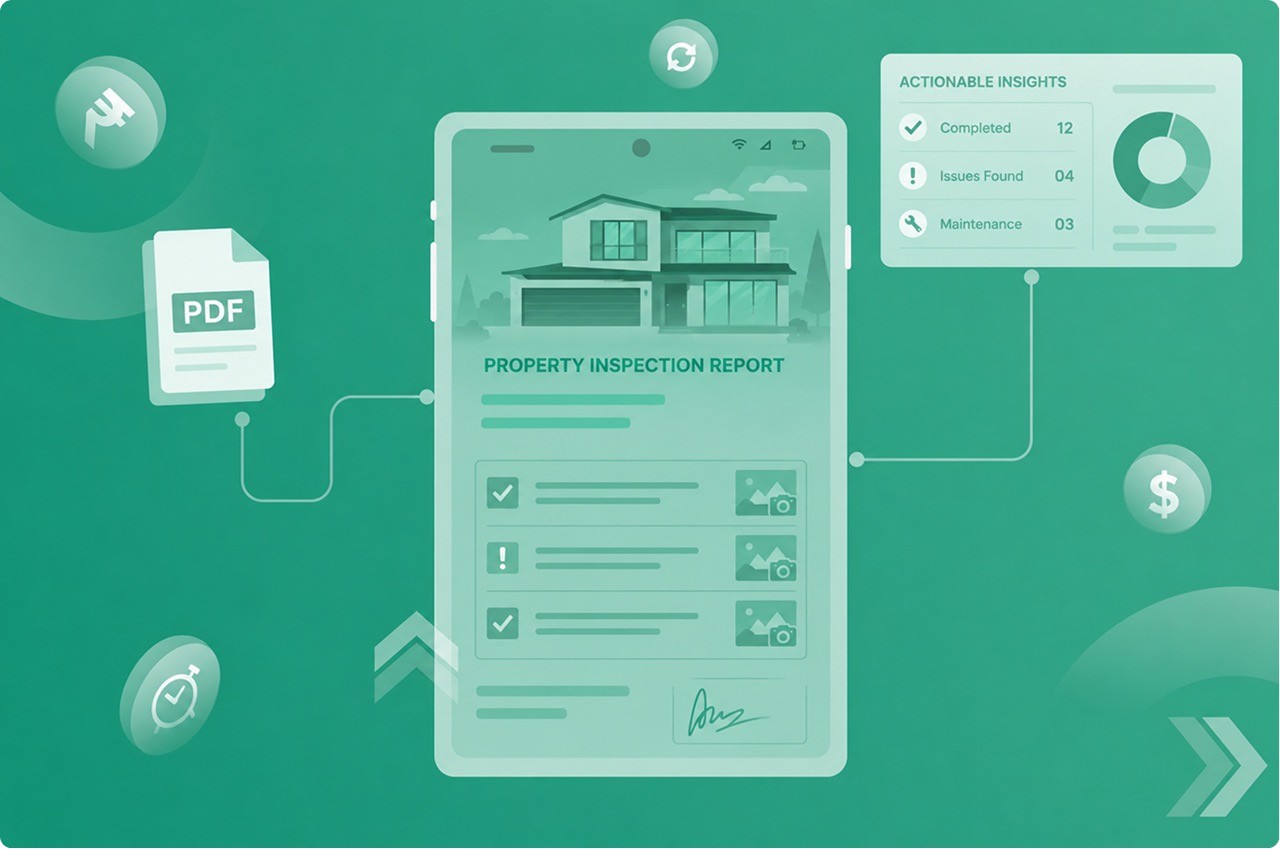
Your RPA bot monitors an email inbox or an SFTP folder. It downloads the incoming PDF. The bot sends that file to the Document AI API. The AI reads it, extracts the text, and returns a clean JSON payload. The bot takes that JSON, logs into your accounting software, and keys in the data.
This looks simple. It usually isn't.
Managing State and Timeouts
This part often gets ignored by developers writing the first draft of the script. They assume the API will return the extracted data instantly.
Sometimes the AI takes three seconds. Sometimes someone emails a 200-page medical record and the extraction takes five minutes. If your bot just sits there waiting with a hardcoded 30-second timeout, it's going to crash.
You need asynchronous processing and retry strategies.
Your bot shouldn't wait. It should submit the document, get a job ID, and then periodically poll the API to see if the job is done. If the network drops, it needs to know how to back off and try again without duplicating the submission.
API Examples & Retry Logic
Here is a simplified Python example of how a bot should actually call a document extraction API. It includes a basic exponential backoff.
This is where things usually break in production. Don't skip the error handling.
RPA Connectors vs Custom APIs
You don't always have to write custom Python scripts to connect these systems.
Most major platforms like UiPath and Automation Anywhere have pre-built RPA connectors for major document intelligence tools. You just drag and drop a block into your visual workflow.
Connectors are great for getting a proof of concept running fast. But APIs give you much more control when things go wrong. If a connector fails, you just get a generic error box. If your API script fails, you can catch the specific HTTP status code and tell the bot exactly how to recover.
The Human-in-the-Loop Fallback
AI makes mistakes. RPA bots do not question those mistakes.
If the AI OCR pulls a total of $10,000 instead of $1,000, and hands that JSON to the bot, the bot will happily pay the $10,000.
True workflow automation requires a circuit breaker. You need business rules living between the AI and the RPA bot. Before the bot touches the data, the system needs to verify the math. Do the line items equal the total? If the math fails, the bot stops. The document gets routed to a human queue.
Don't let dumb bots blindly execute AI guesses.
Frequently Asked Question
Have more questions? Don't hesitate to email us:
What is document AI RPA integration?
It's connecting a smart reading tool to a dumb automation bot. The AI reads the messy, unstructured PDF and turns it into clean JSON data. The RPA bot takes that JSON and uses it to click the buttons in your ERP to actually enter the data.
Why can't my RPA bot just read the invoice?
What happens if the AI extracts the wrong number?
Should I use a pre-built connector or a custom API?
How do I handle slow AI extractions in my bot script?