Turn Documents Into Decisions
From messy scans to complex contracts, NexDoc turns unstructured files into structured, workflow-ready data.
Deploy accurate, scalable pipelines in minutes, without rebuilding your stack.
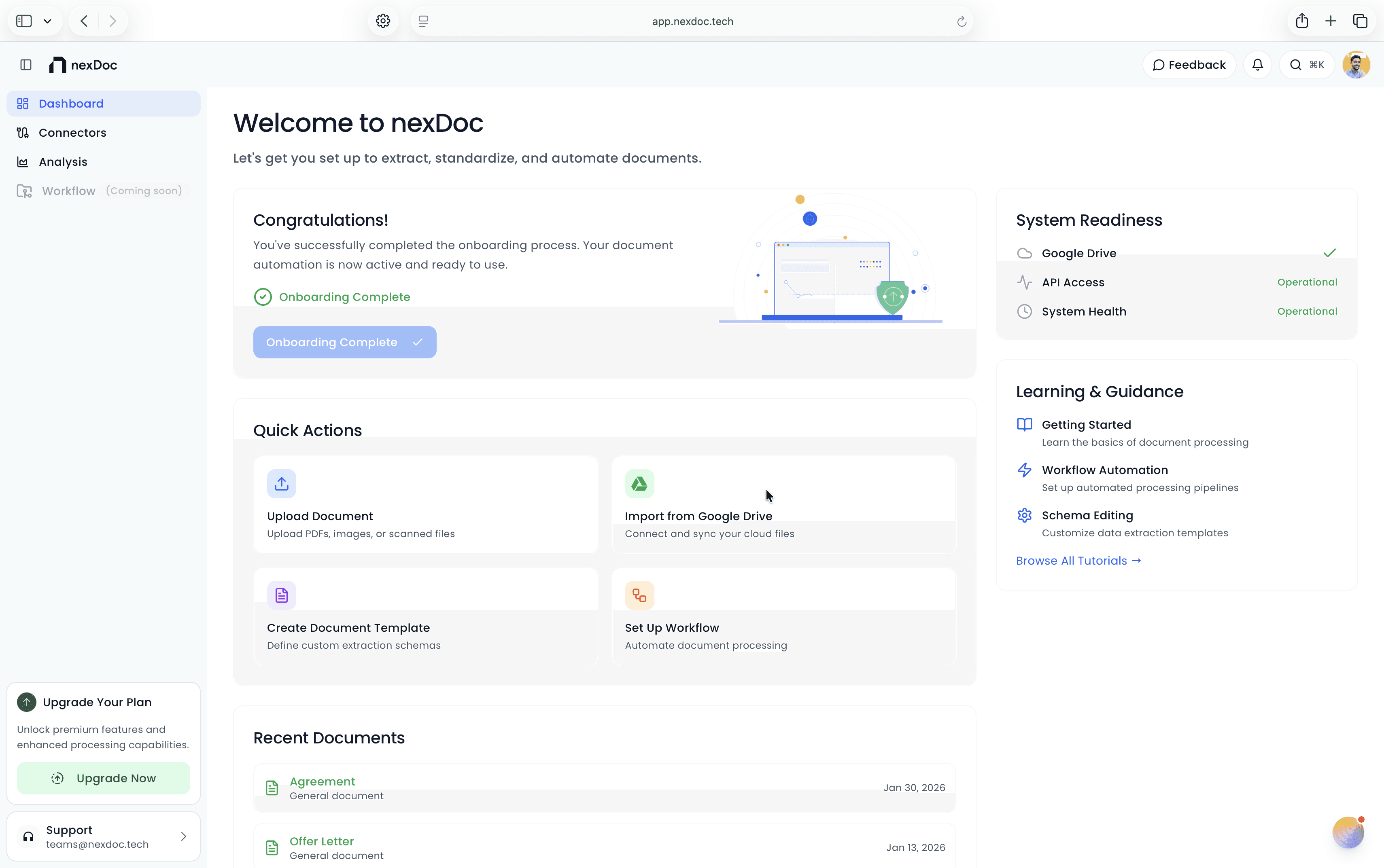
PROVEN IMPACT ACROSS INDUSTRIES
See measurable ROI in weeks, not months
See measurable ROI in weeks, not months
80%
Average reduction in manual effort
4x
Median ROI over a 6-month payback period
5x
Faster setup time
Features
Document intelligence, done differently
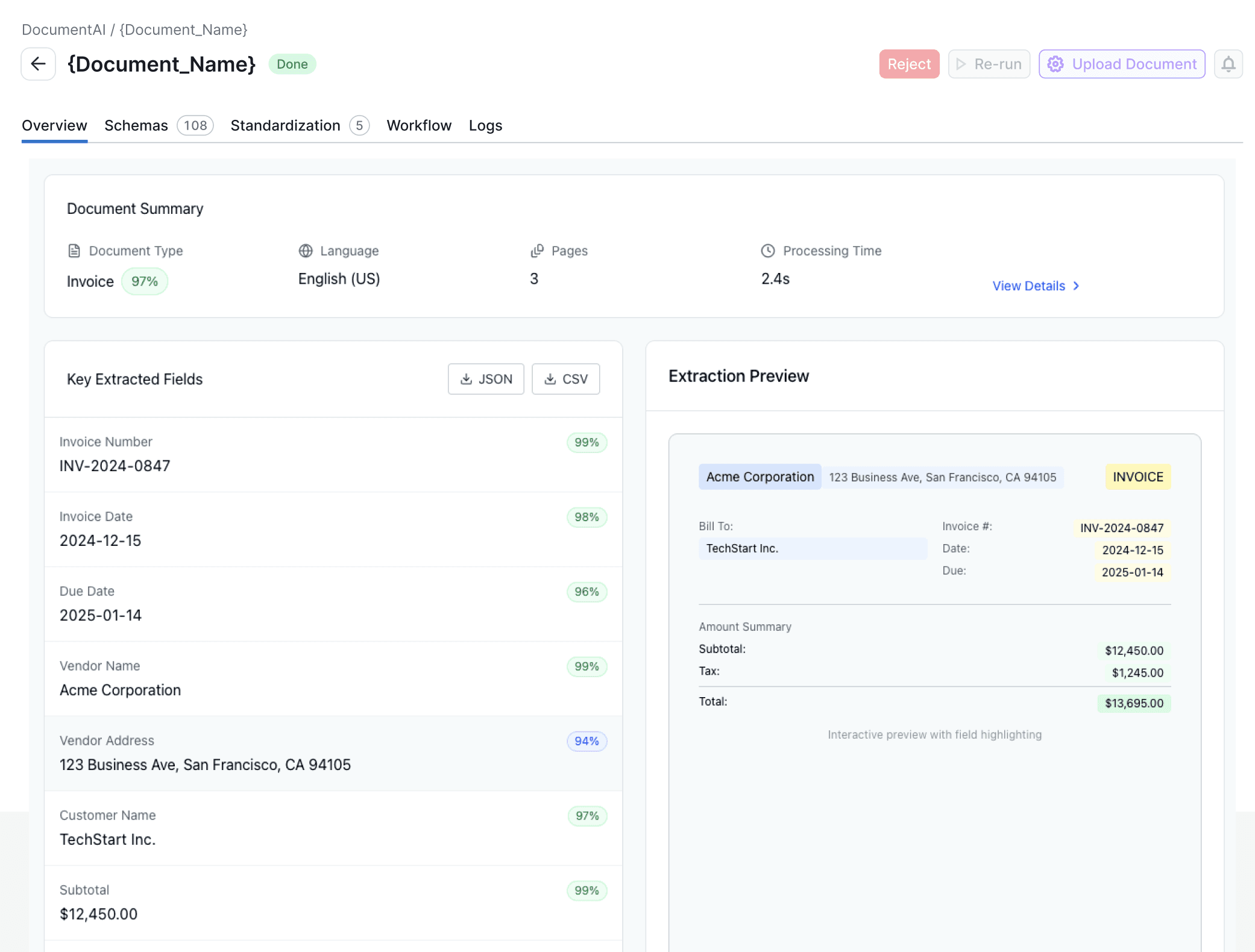
AI-generated business rules
We generate natural-language validation rules from your document schema and evaluate them on your data—no hand-written logic per document type.
Chat with citations, no hallucination
Answers are grounded only in the document, with page/paragraph citations. If it’s not in the doc, we say so—no invented answers.
Legal-document pipeline
We detect legal docs, then extract arguments, precedents, issues, and recommendations in one flow—built for law firms.



Features
Document intelligence, done differently
AI-generated business rules
We generate natural-language validation rules from your document schema and evaluate them on your data—no hand-written logic per document type.
Chat with citations, no hallucination
Answers are grounded only in the document, with page/paragraph citations. If it’s not in the doc, we say so—no invented answers.
Legal-document pipeline
We detect legal docs, then extract arguments, precedents, issues, and recommendations in one flow—built for law firms.
Features
Document intelligence, done differently
AI-generated business rules
We generate natural-language validation rules from your document schema and evaluate them on your data—no hand-written logic per document type.
Chat with citations, no hallucination
Answers are grounded only in the document, with page/paragraph citations. If it’s not in the doc, we say so—no invented answers.
Legal-document pipeline
We detect legal docs, then extract arguments, precedents, issues, and recommendations in one flow—built for law firms.

Document Intelligence
AI‑Powered Document OCR
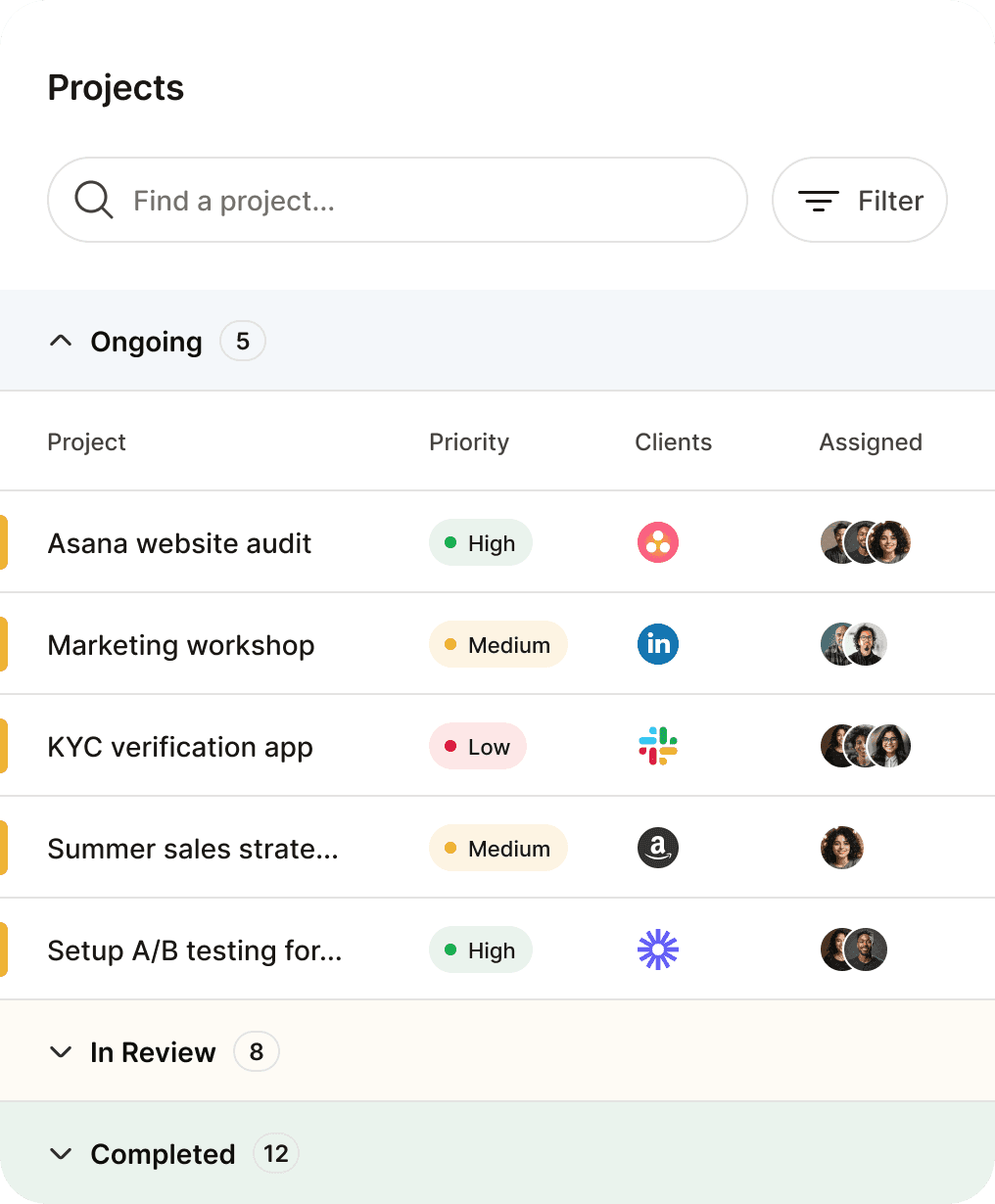
Extract text that actually understands the document. NexDoc uses context‑aware OCR and AI extraction to read layout, tables, and fields, not just characters on a page.
Works with
Scanned documents
PDFs and image files
Low‑quality or noisy inputs
Classify
Extract
Analyse
Download
Document Intelligence
AI‑Powered Document OCR
Extract text that actually understands the document. NexDoc uses context‑aware OCR and AI extraction to read layout, tables, and fields, not just characters on a page.
Works with
Scanned documents
PDFs and image files
Low‑quality or noisy inputs
Classify
Extract
Analyse
Download
Legal Assistant
Intelligent Document Processing (IDP)
NexDoc’s Intelligent Document Processing layer classifies documents, identifies intent, and prepares data for downstream workflows.
Invoices, forms, contracts, and receipts follow one consistent pipeline—from upload to action.
Integrate
Create
Verify
Share

Legal Assistant
Intelligent Document Processing (IDP)
NexDoc’s Intelligent Document Processing layer classifies documents, identifies intent, and prepares data for downstream workflows.
Invoices, forms, contracts, and receipts follow one consistent pipeline—from upload to action.
Integrate
Create
Verify
Share
Workflow Automation
Document Automation
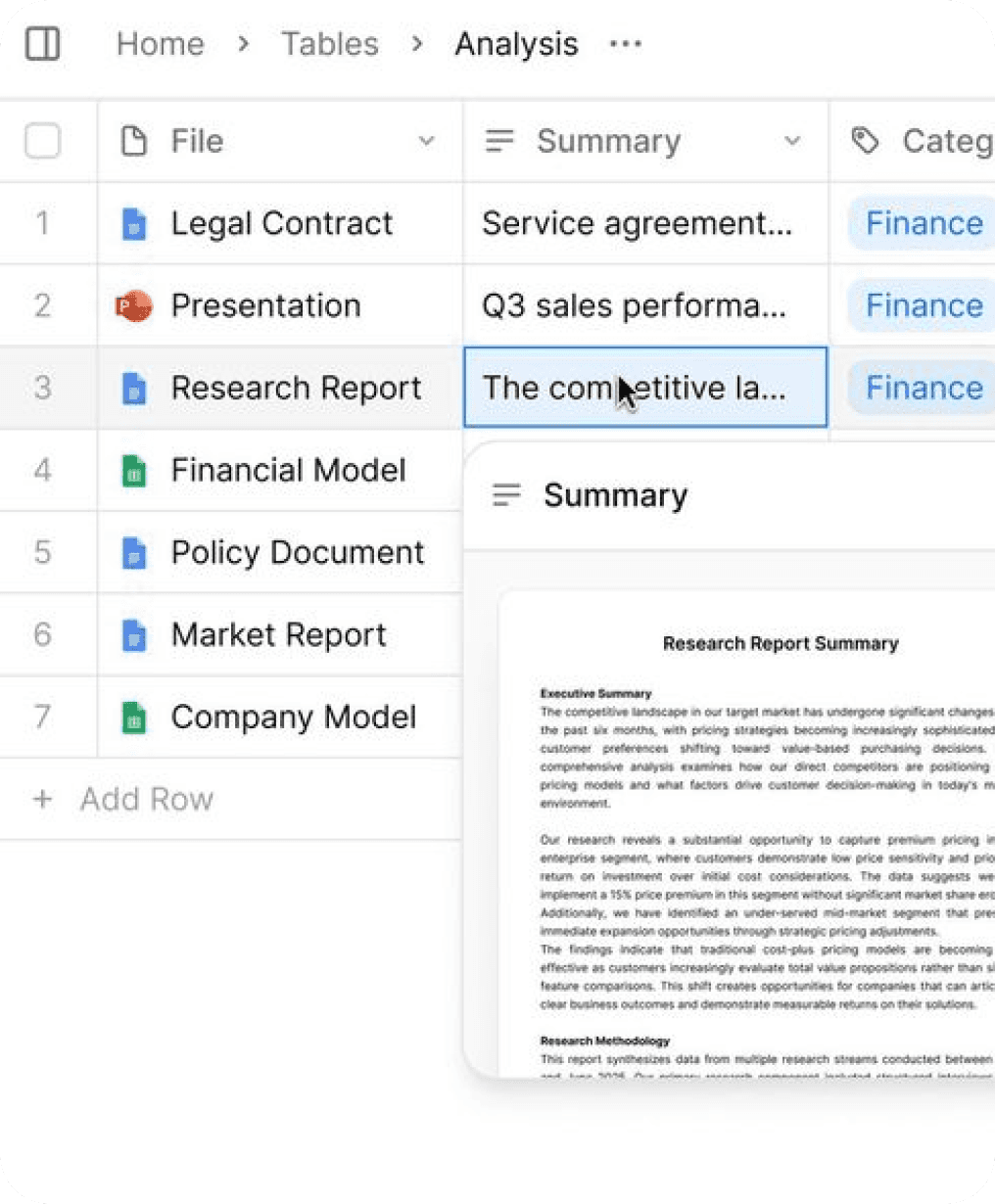
Once data is extracted, NexDoc triggers document‑driven workflows that remove manual handoffs.
Automate
Routing and approvals
Document generation
Dynamic template‑based assembly
High‑volume document processing
Select Source
Analyse
Create Rule
Take Actions
Workflow Automation
Document Automation
Once data is extracted, NexDoc triggers document‑driven workflows that remove manual handoffs.
Automate
Routing and approvals
Document generation
Dynamic template‑based assembly
High‑volume document processing
Select Source
Analyse
Create Rule
Take Actions
Why us
Stop losing time to manual work. Start making decisions faster.
From document to decision, faster
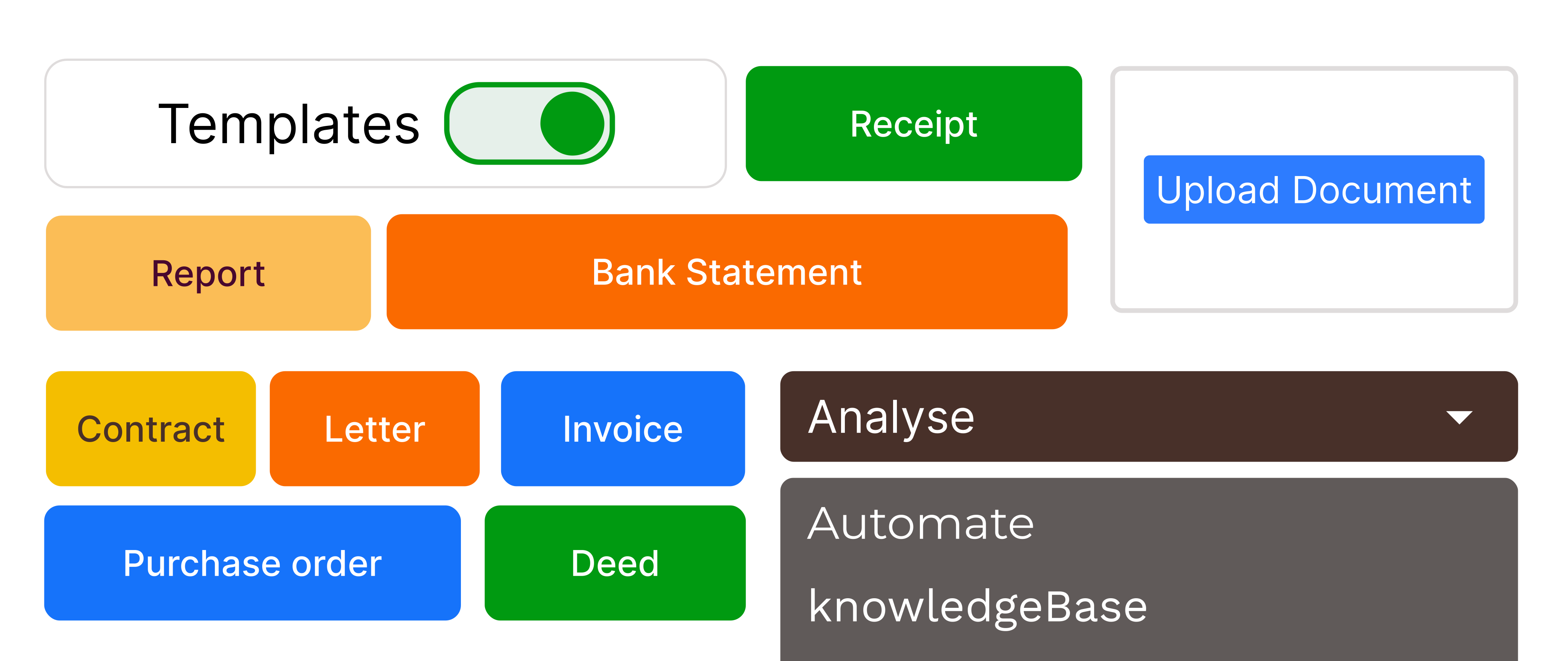
NexDoc keeps OCR, extraction, workflows, and outputs in one place so your team ships results in minutes, not days.
Connect to the rest of your stack








Send structured data to your tools through API‑first integration for end‑to‑end document automation, from intake to approvals to exports.
One shared source of truth
Keep documents, extracted fields, and generated outputs together, so everyone works from the same version.
Predictable performance at scale
Process high volumes with consistent results, whether you run one workflow or dozens.
Views that match your workflow
Switch between compact, card, or grouped views to review and act quickly.
Why us
Stop losing time to manual work. Start making decisions faster.
From document to decision, faster

NexDoc keeps OCR, extraction, workflows, and outputs in one place so your team ships results in minutes, not days.
Connect to the rest of your stack
Send structured data to your tools through API‑first integration for end‑to‑end document automation, from intake to approvals to exports.
One shared source of truth
Keep documents, extracted fields, and generated outputs together, so everyone works from the same version.
Predictable performance at scale
Process high volumes with consistent results, whether you run one workflow or dozens.
Views that match your workflow
Switch between compact, card, or grouped views to review and act quickly.
blog
Ideas to level-up your freelance game




blog
Ideas to level-up your freelance game
Community
Stay in the loop


YouTube
Tips, tutorials, and in-depth feature guides to inspire and enhance your nexDoc workflow.
Community
Stay in the loop
YouTube
Tips, tutorials, and in-depth feature guides to inspire and enhance your nexDoc workflow.
What problems does nexDoc solve across document processing and automation?
nexDoc handles documents from ingestion to execution. It extracts data using OCR and AI models, converts that data into structured schemas, validates it using rules, and triggers workflows or document generation automatically. Teams use nexDoc to eliminate manual checks, spreadsheet handoffs, and custom scripts. The platform works well when documents drive decisions, approvals, or downstream systems.
How does nexDoc combine AI and rule-based workflows without code?
Can nexDoc scale from small teams to high-volume document workflows?
What problems does nexDoc solve across document processing and automation?
nexDoc handles documents from ingestion to execution. It extracts data using OCR and AI models, converts that data into structured schemas, validates it using rules, and triggers workflows or document generation automatically. Teams use nexDoc to eliminate manual checks, spreadsheet handoffs, and custom scripts. The platform works well when documents drive decisions, approvals, or downstream systems.
How does nexDoc combine AI and rule-based workflows without code?
Can nexDoc scale from small teams to high-volume document workflows?
What problems does nexDoc solve across document processing and automation?
nexDoc handles documents from ingestion to execution. It extracts data using OCR and AI models, converts that data into structured schemas, validates it using rules, and triggers workflows or document generation automatically. Teams use nexDoc to eliminate manual checks, spreadsheet handoffs, and custom scripts. The platform works well when documents drive decisions, approvals, or downstream systems.
How does nexDoc combine AI and rule-based workflows without code?
Can nexDoc scale from small teams to high-volume document workflows?

